DCO01 → oscillate
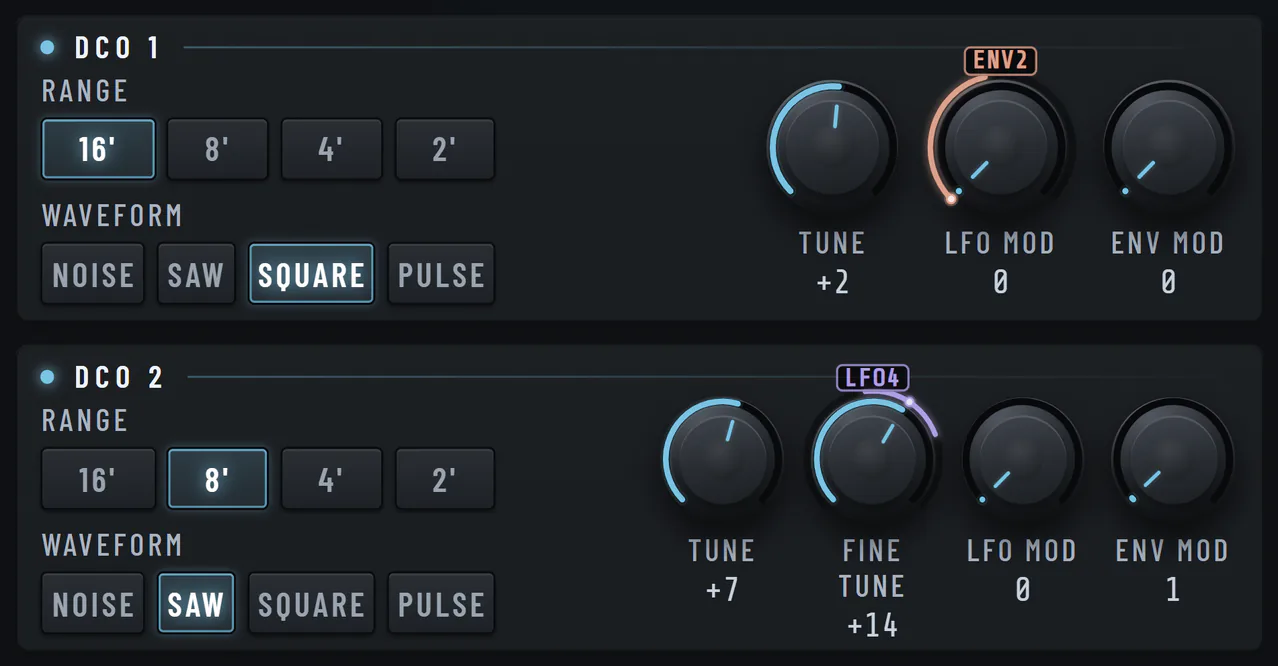
Two oscillators per tone. Range, wave, tune, sync.
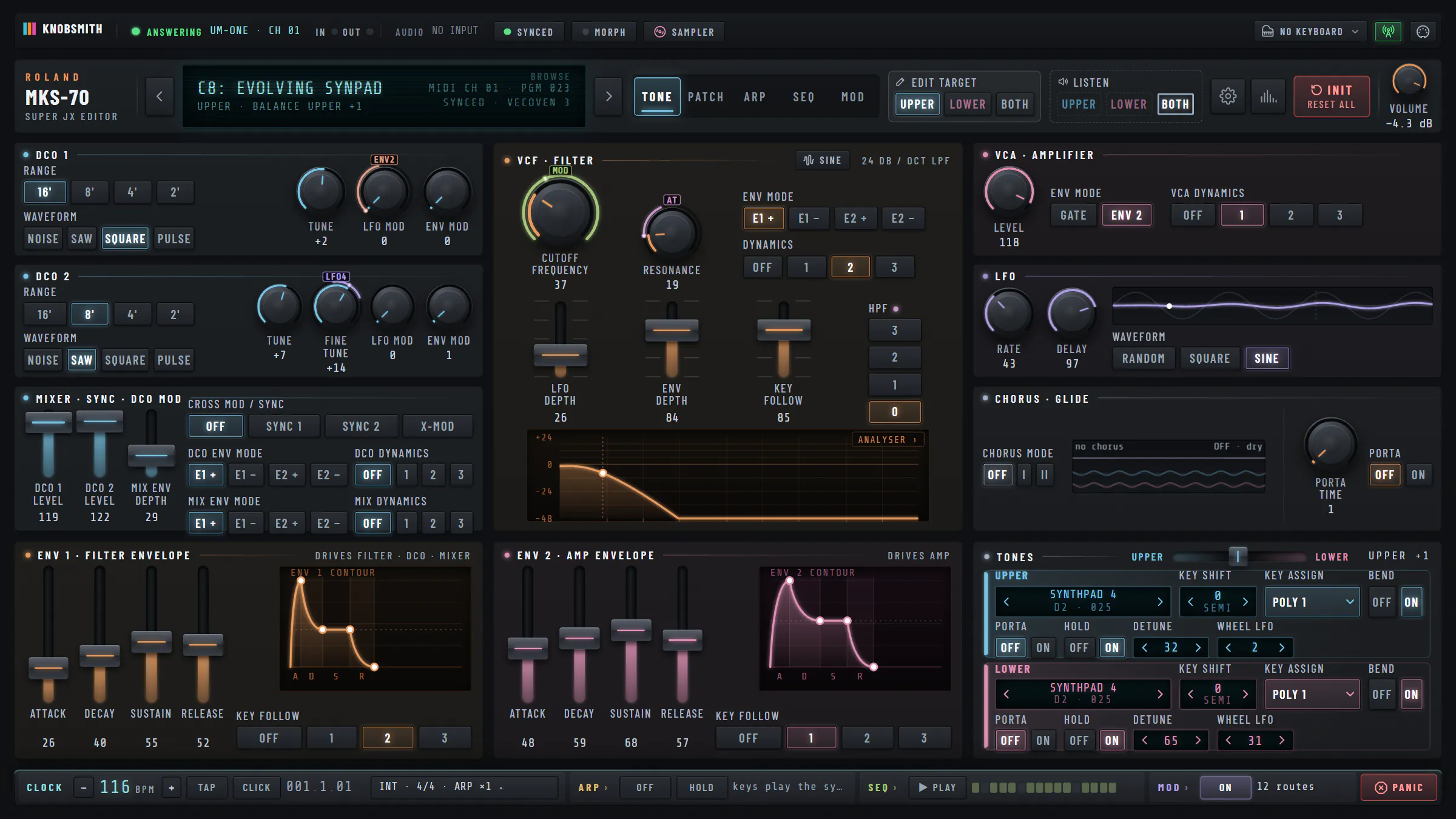
Your MKS-70, fully hands-on. Every parameter, live over MIDI.
Super JX: MKS-70 · JX-10
Two oscillators per tone. Range, wave, tune, sync.
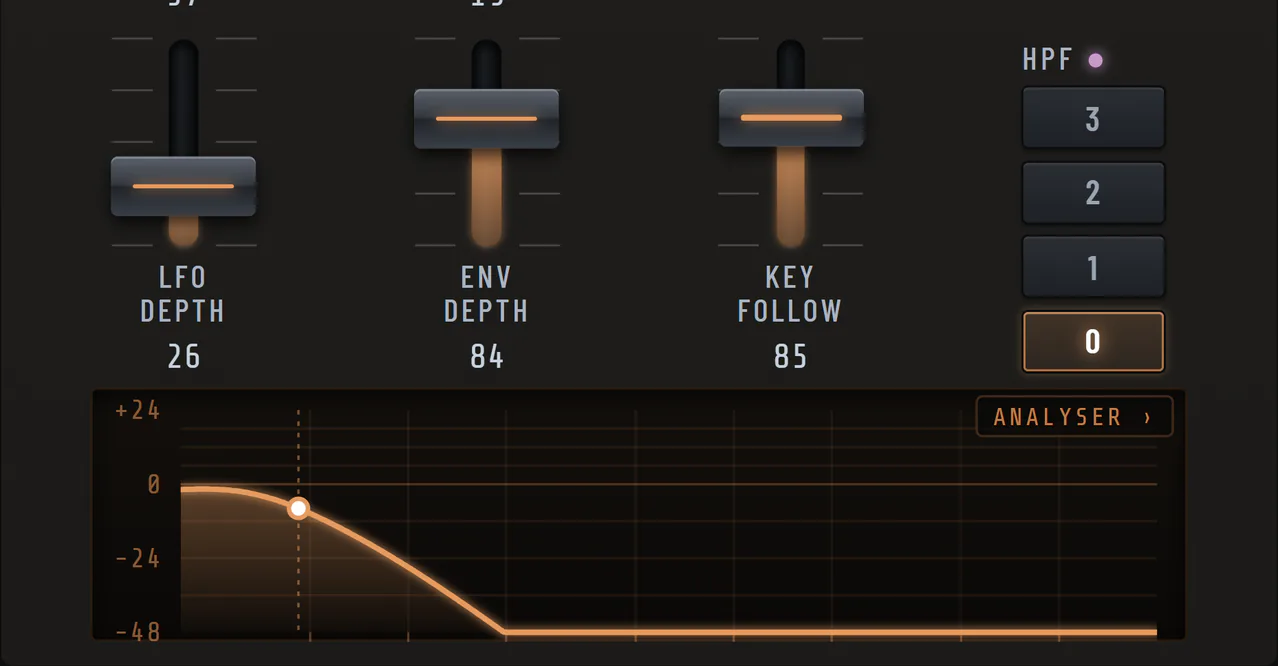
Cutoff, resonance, envelope. Drawn as it moves.
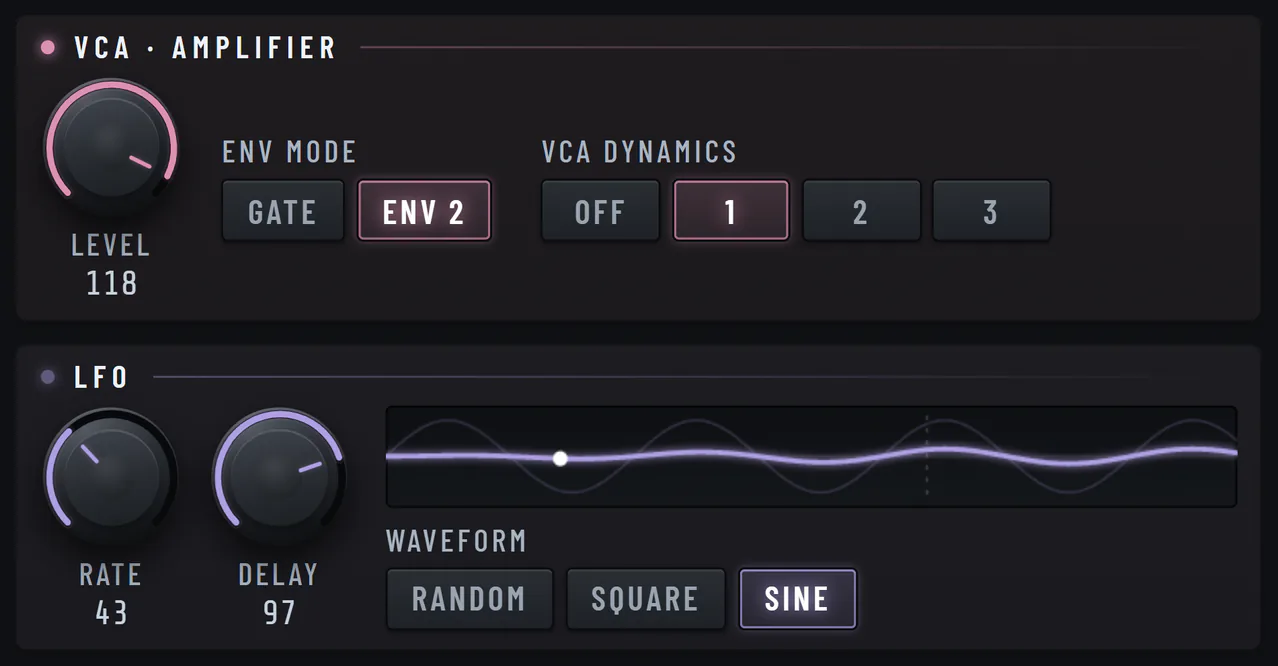
Level, dynamics and the LFO, by hand.
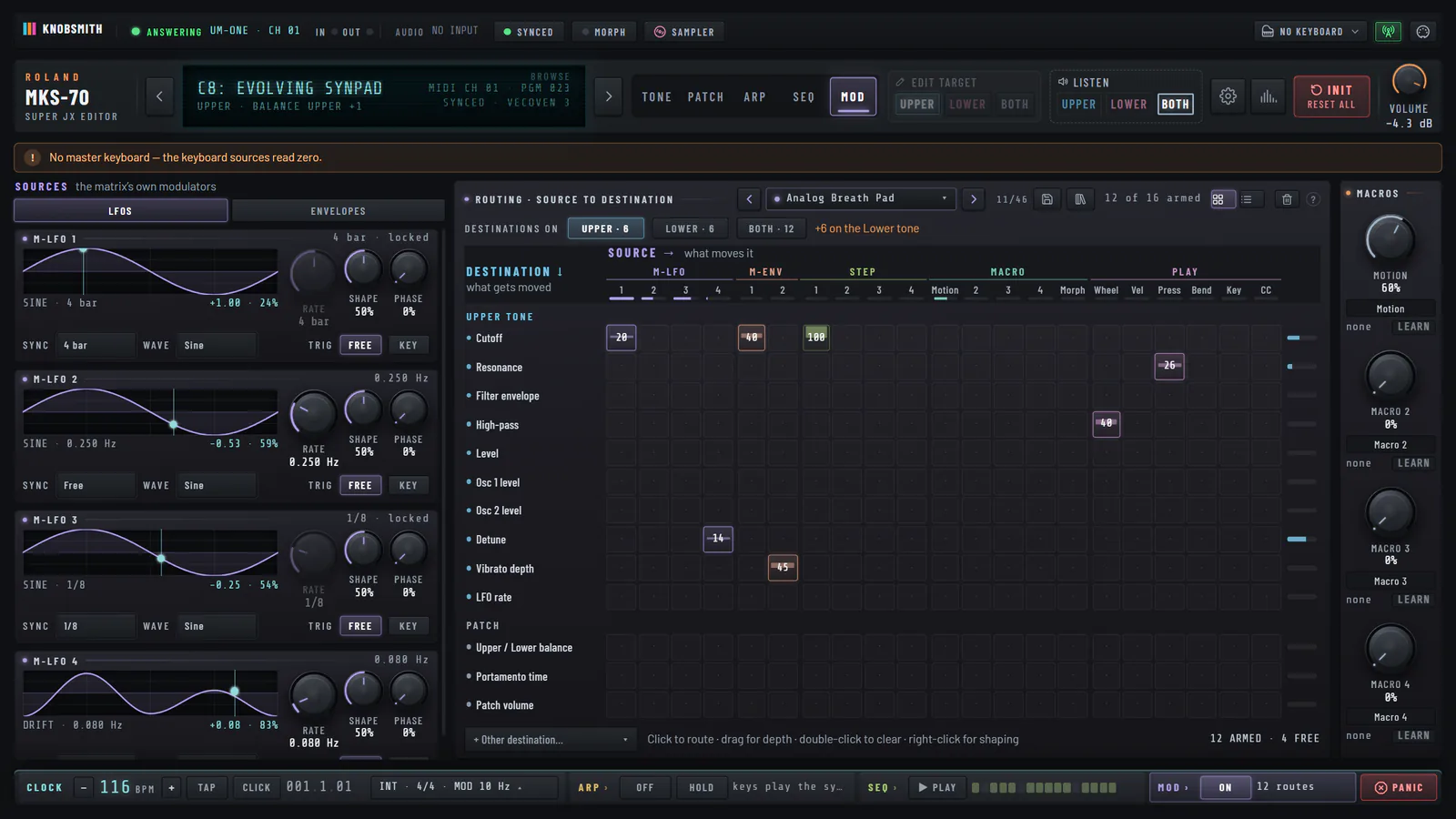
Four LFOs, two envelopes, step sources, macros and your hands — on any parameter, locked to the beat.
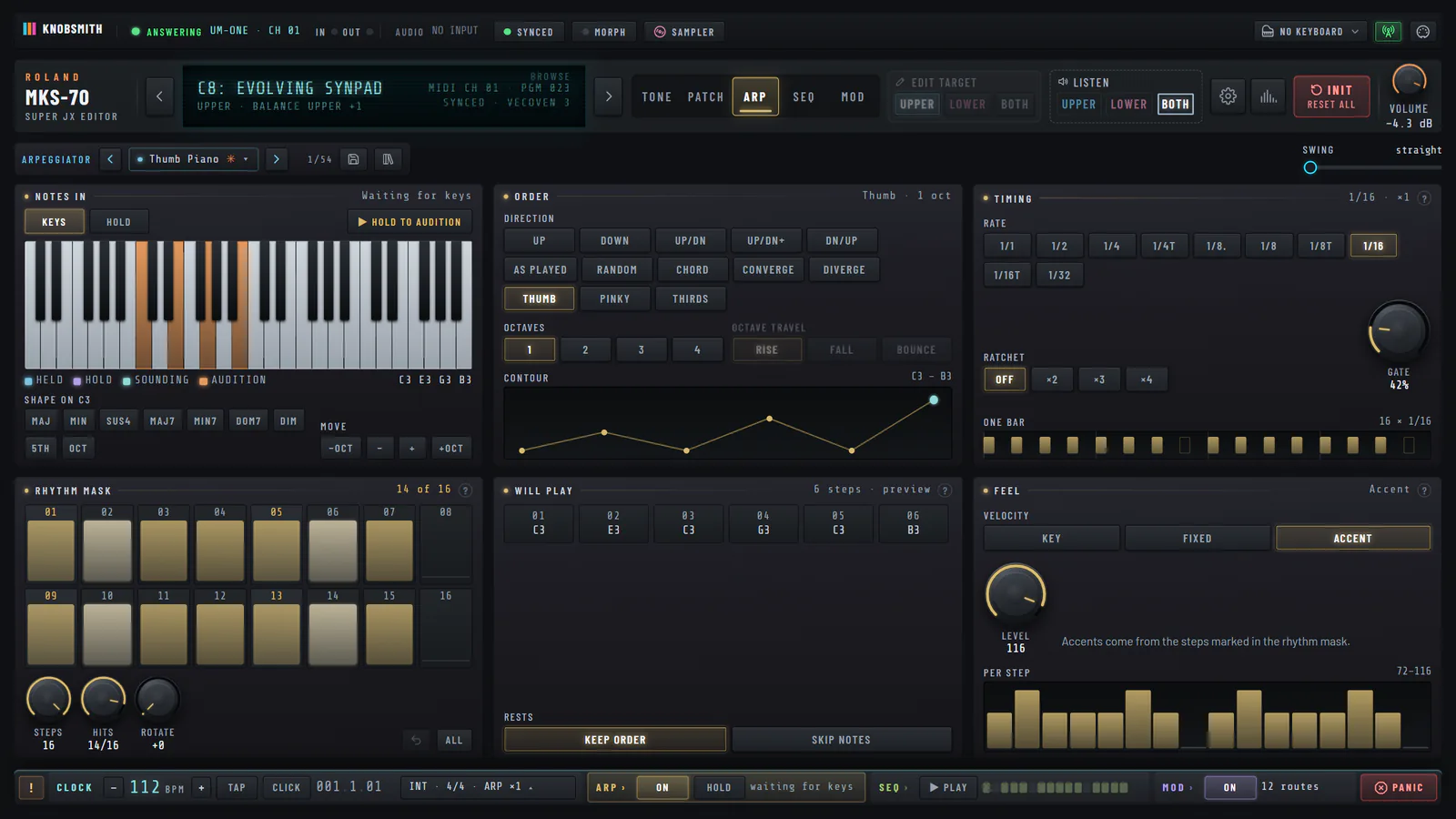
Thirteen figures, a rhythm mask and live Euclid, played from your keys on a steady clock.
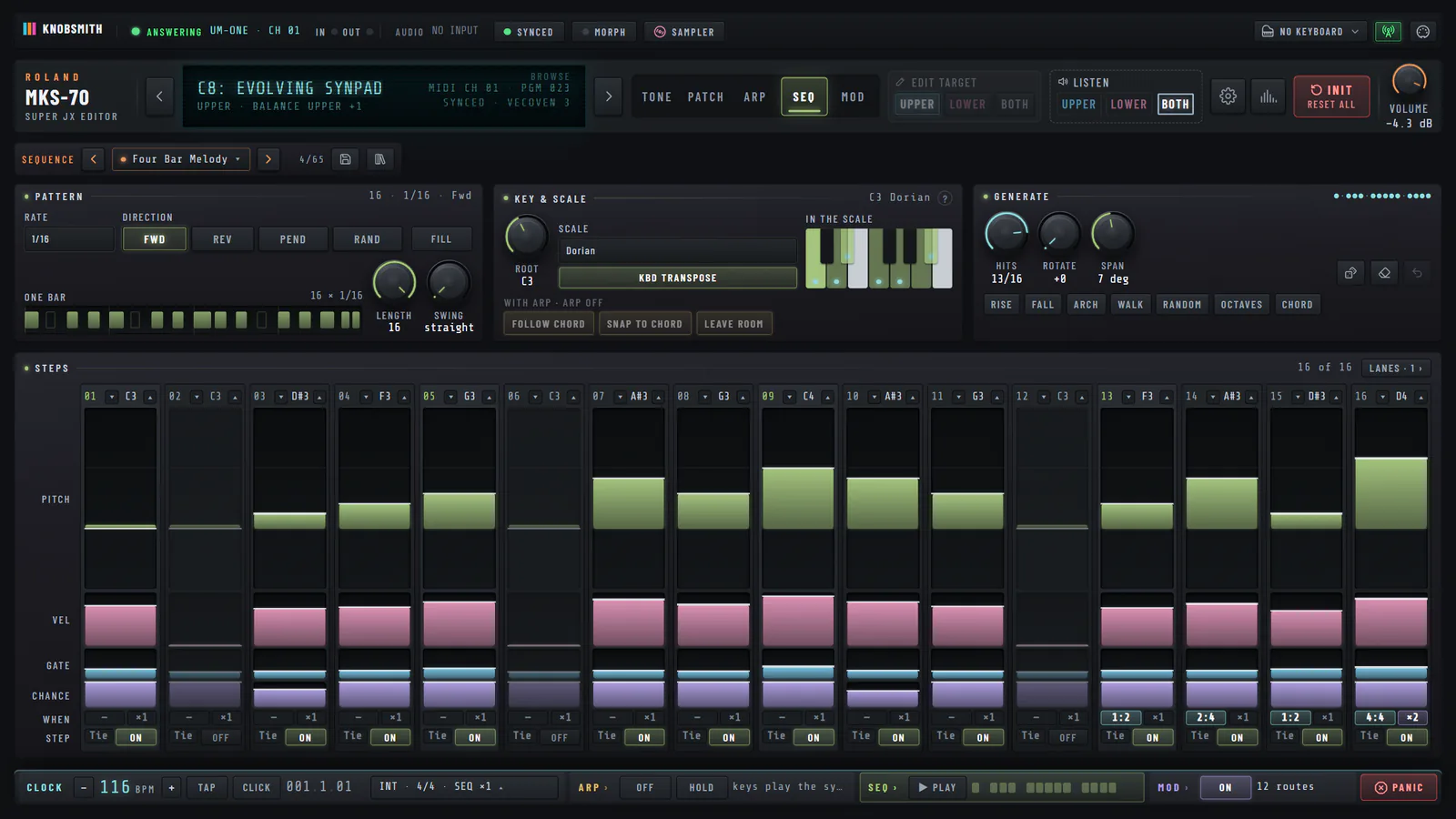
Velocity, chance and conditions on every step, and lanes that move the sound with the notes.
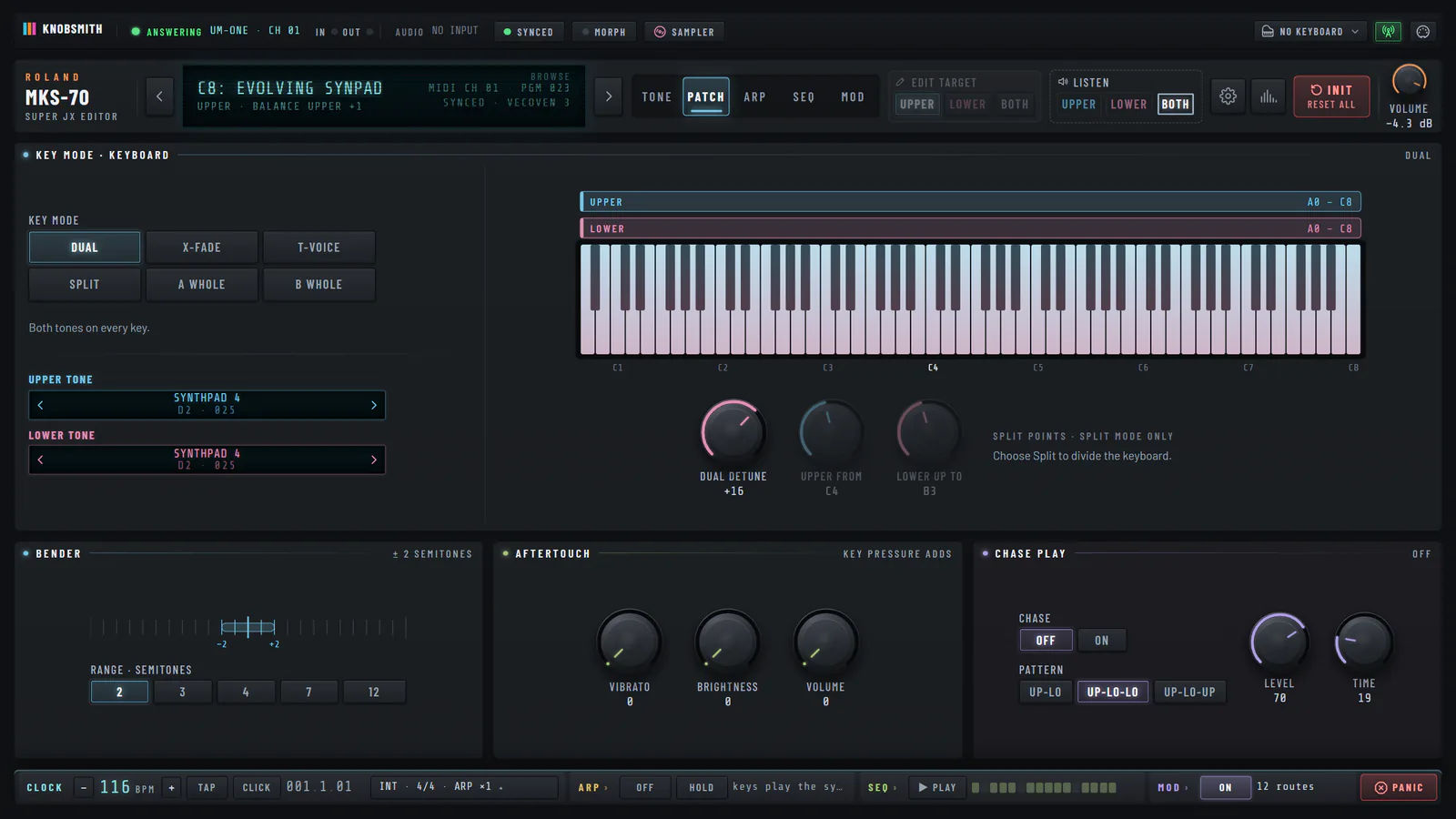
Key mode, split, bender, aftertouch and chase — the settings the front panel hides.
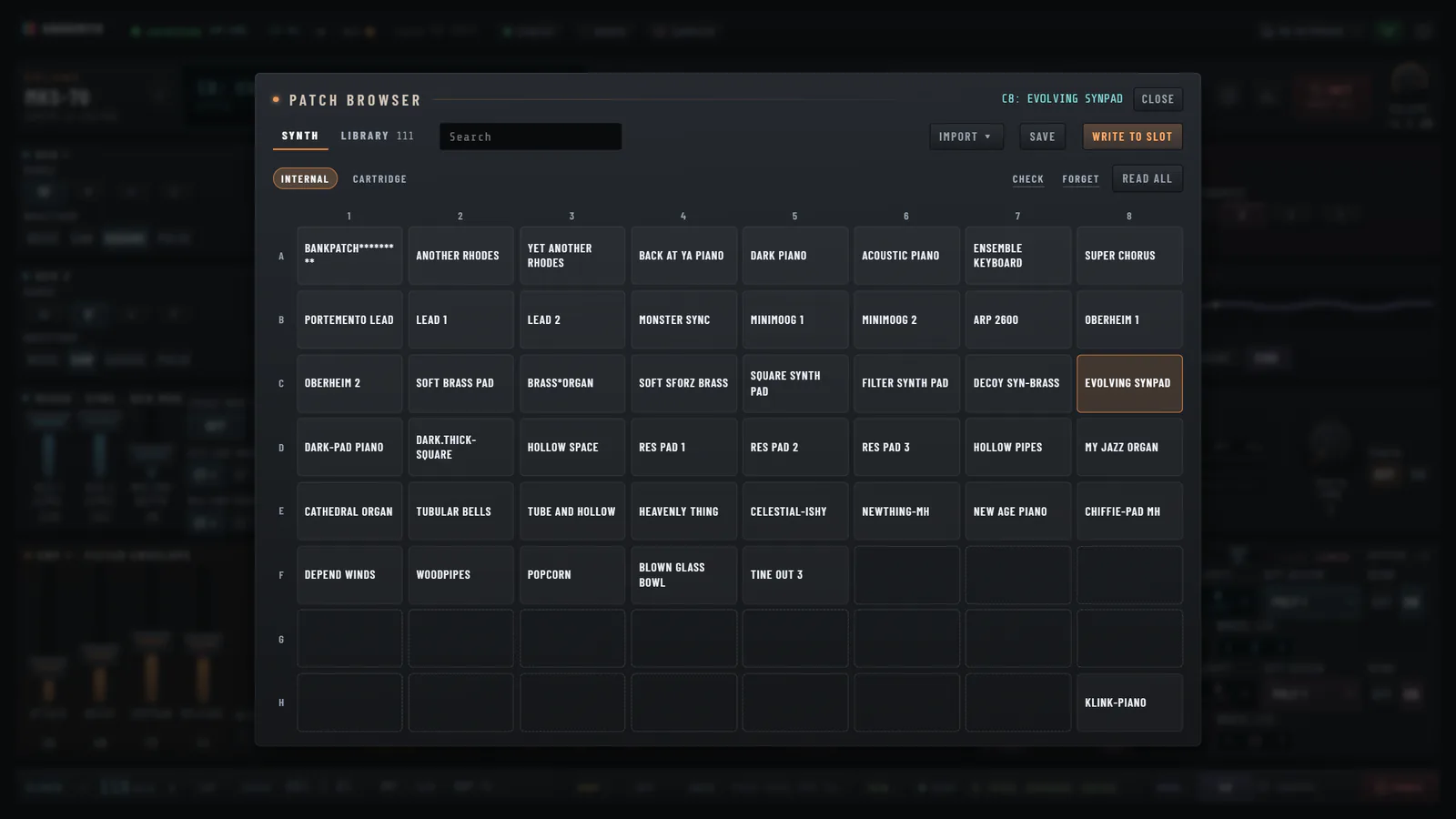
Reads your patches. Keeps them when the battery won’t.
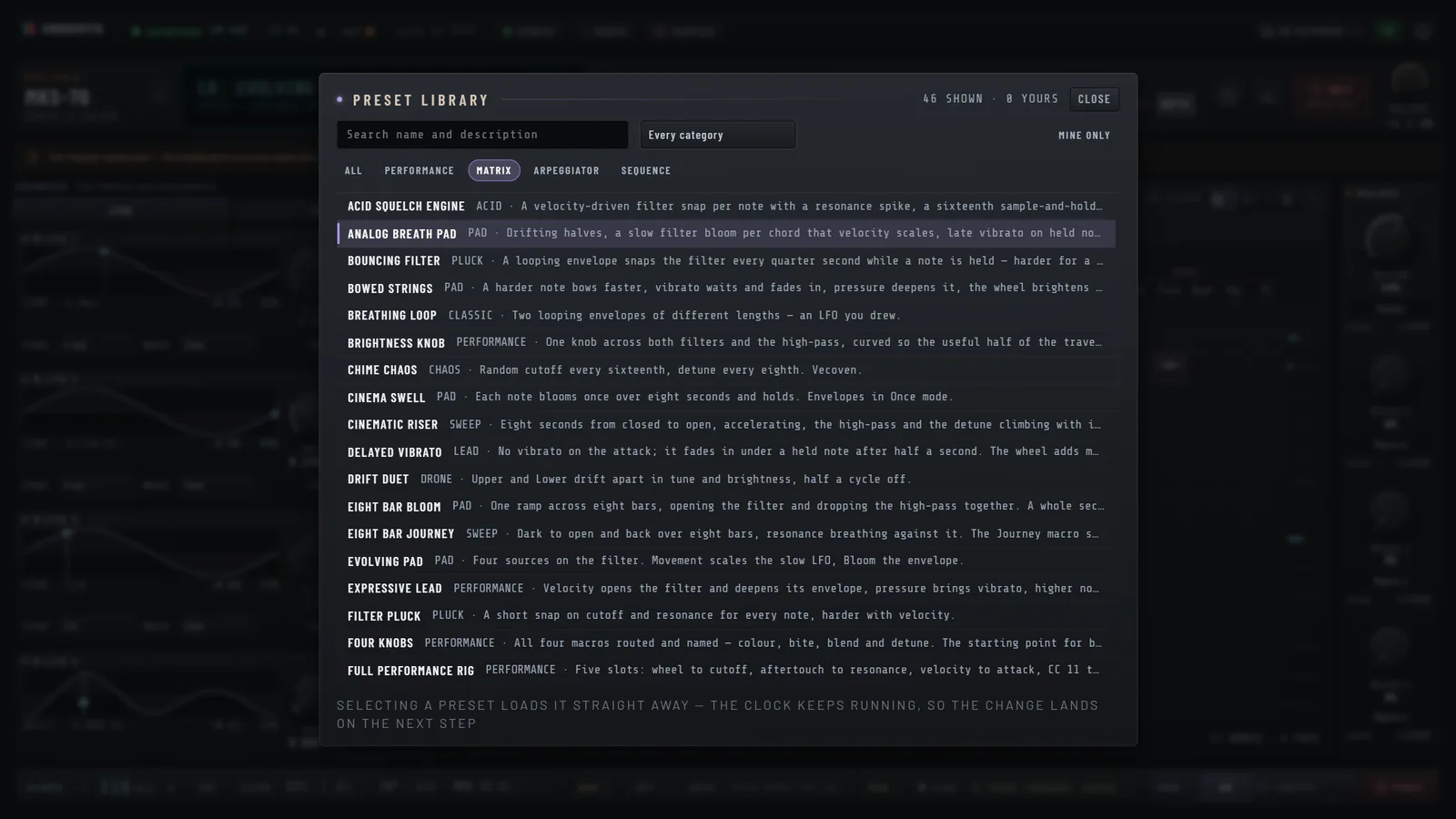
Over 180 factory designs for arpeggio, sequence and modulation. Load one and it plays.
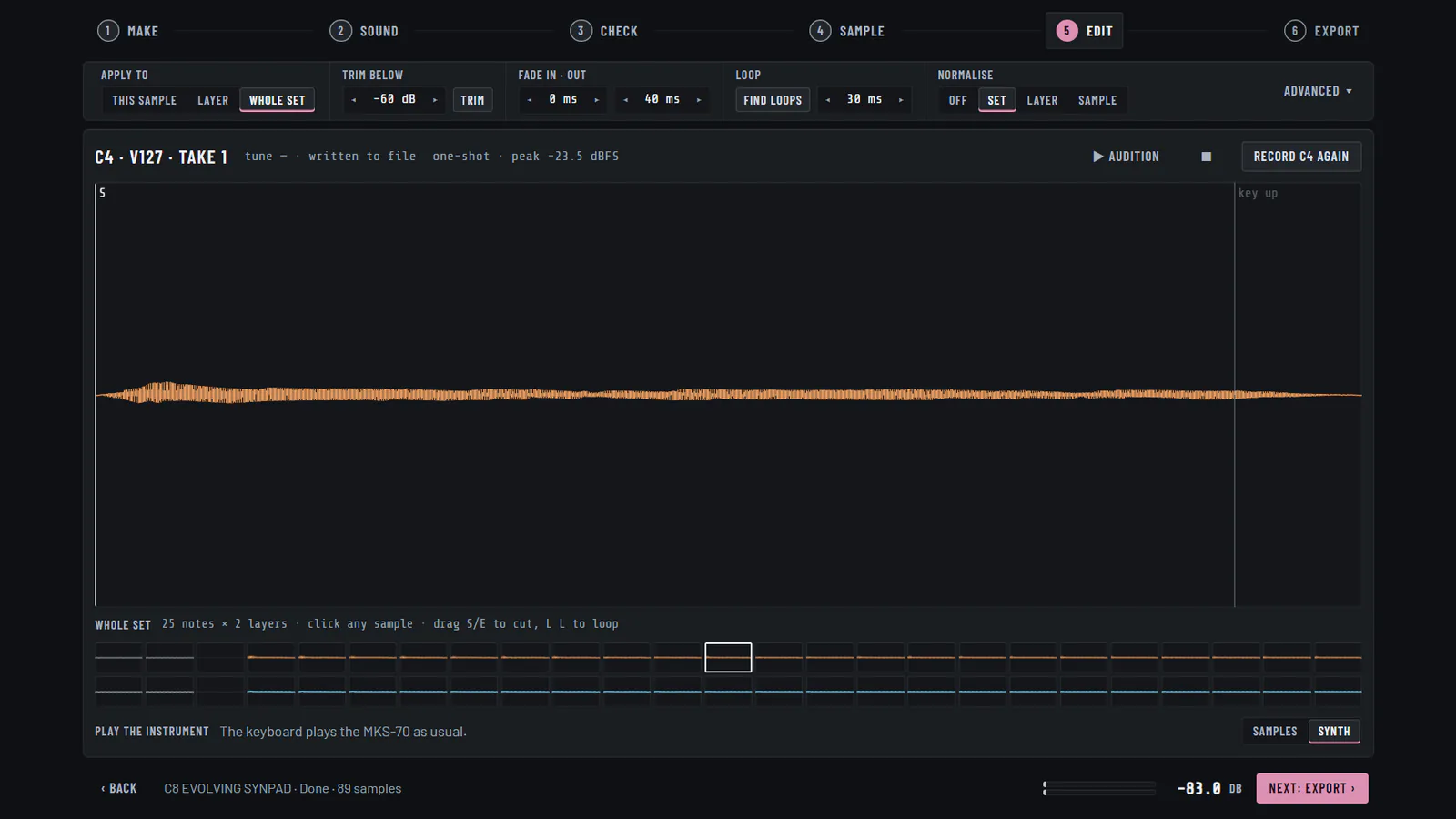
A guided run turns a patch into a playable instrument: it checks the level, decides the velocity layers, records over ASIO and cuts every take. SFZ, Decent Sampler, EXS24 and Bitwig, or loops cut to bars.
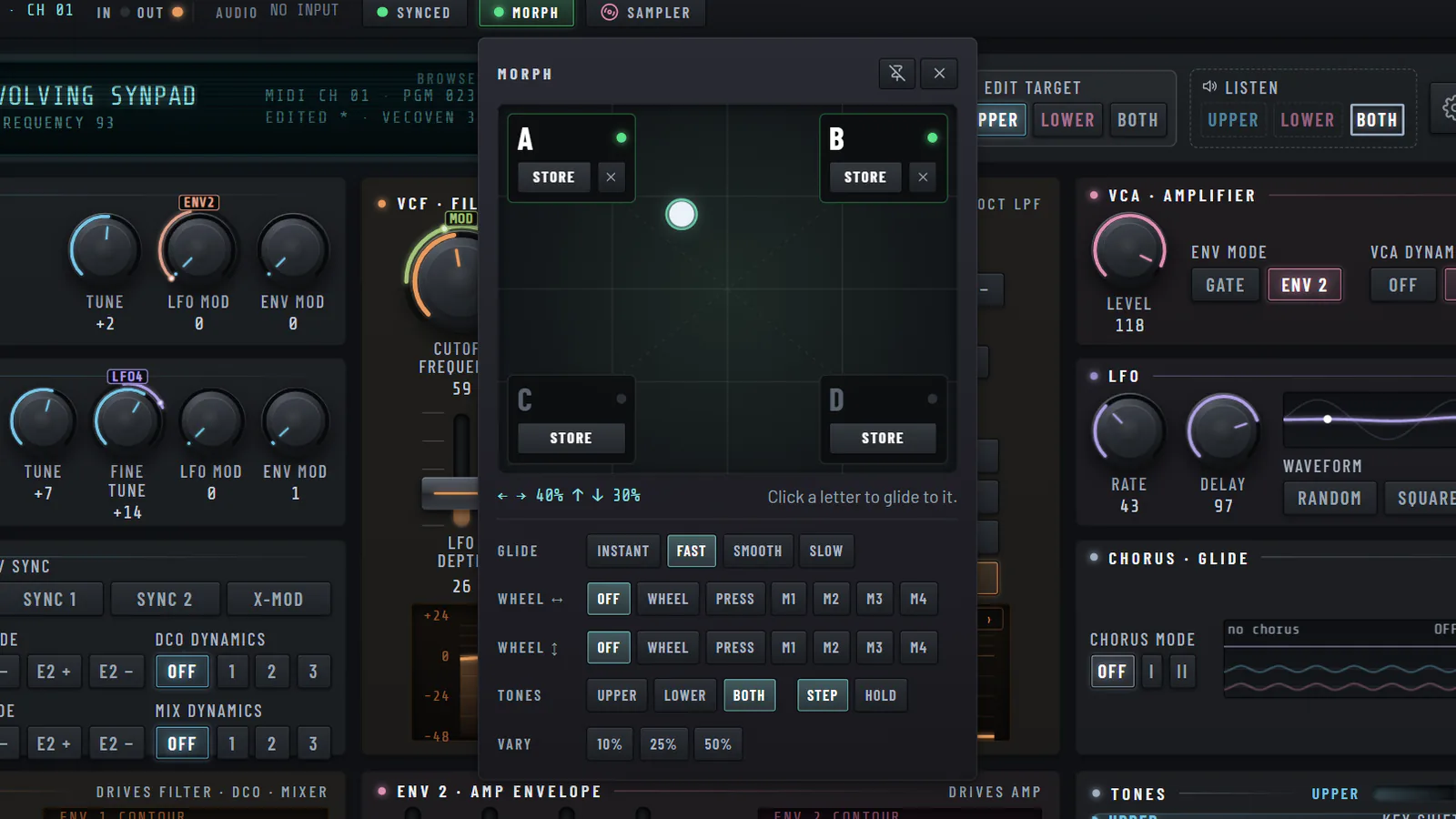
Four sounds on the corners of a pad. Drag the dot and the patch glides between them, by hand, with the wheel or in time.
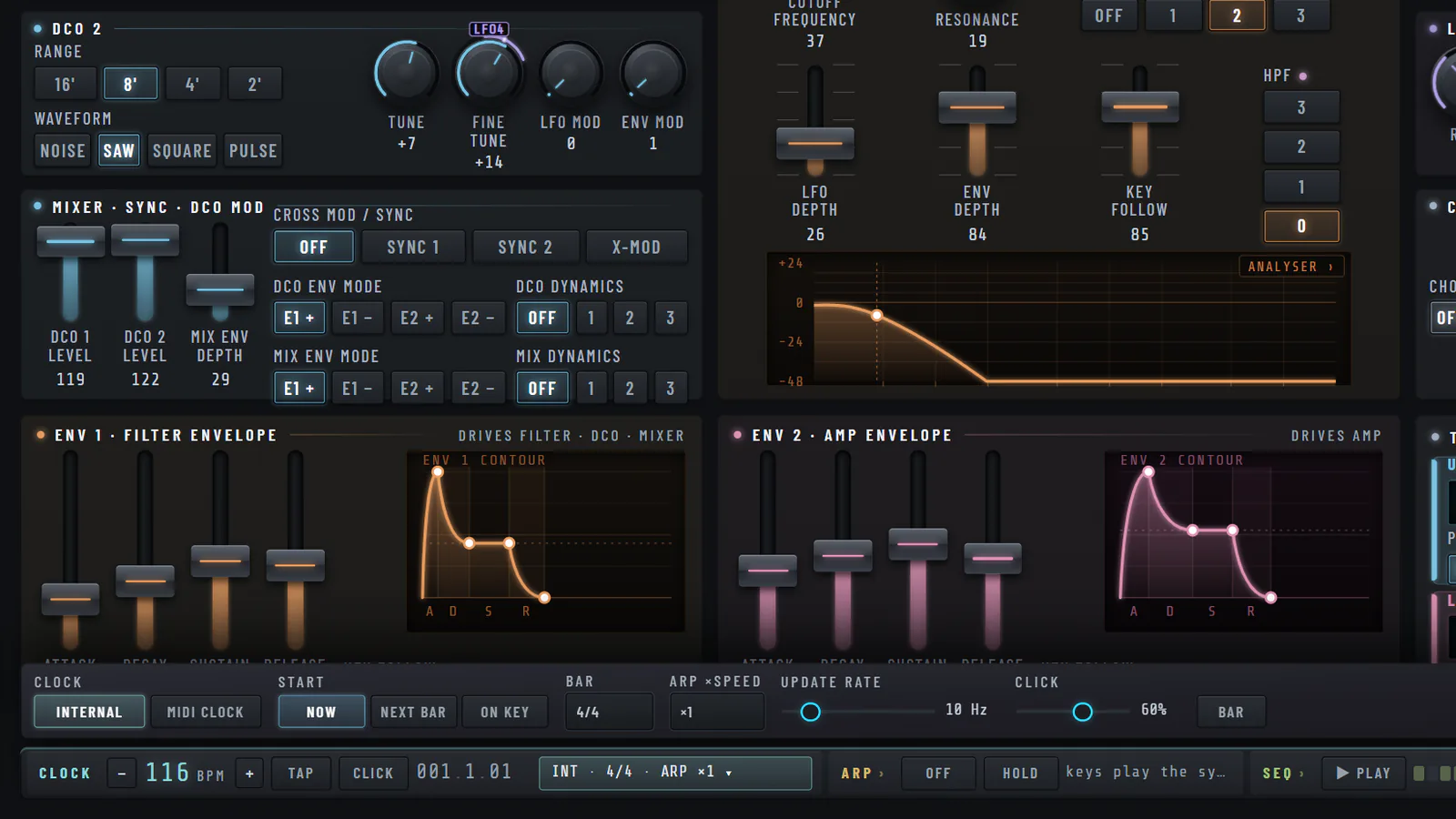
Its own tempo, or a MIDI clock in. The arpeggiator, sequencer and modulation stay on the beat.
Plug in your MKS-70. Switch programs, turn the filter, pick a waveform. No install, no account.
Download, install and activate the MKS-70 Controller, connect your MKS-70 and load your first patch.
MIDI wiring, channels, choosing ports in the app, and sharing an interface with a DAW on Windows.
Original Roland ROM, Vecoven 3.x and Vecoven 4.x — how the app sends edits to each, and how to tell it which one you have.
Install the MKS-70 Controller plug-in, connect it to the MKS-70 and use it in Cubase, Ableton Live, FL Studio, Reaper, Studio One, Bitwig and Cakewalk.
MKS-70 Control · v1.3.2 · Windows
The MKS-70 Controller is being tested with owners of the instrument before its release. Sales open when the pilot ends, and the price is announced then.